
Logistics and parking for Columbus AI Week
Parking and logistics info for Columbus AI Week.
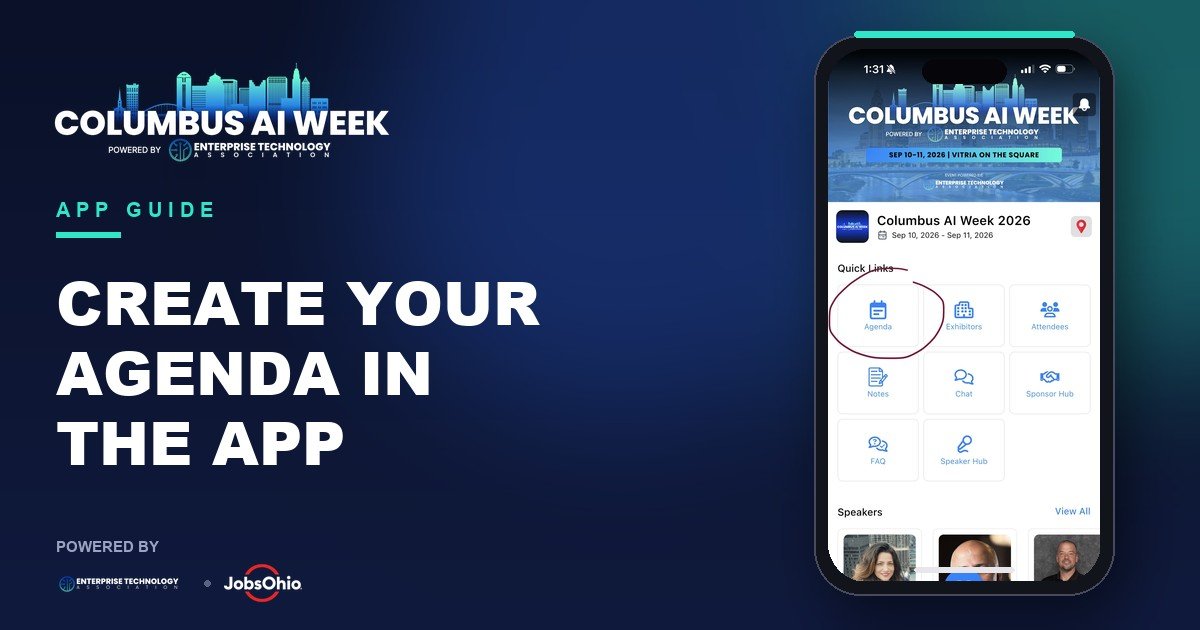
How to update your profile and build your agenda in the VFairs App, step-by-step.
Powered by
·
Before you arrive at Vitria on the Square, get set up on the official event app so you can build your personal agenda, browse speakers, and find everything you need on-site.
Scan the QR code below that matches your phone.
Once the app is installed, log in with the email address you registered with as your username.
Add a profile photo so other attendees recognize you:
Start selecting the sessions you'd like to attend:
1. Tap "Agenda" from the home screen.
2. Scroll or search to find the sessions you want, then tap "+ Add to My Agenda."
3. Tap "My Agenda" at the top to view your custom schedule.
Tip: you can log in anytime before the event to review your profile, view the agenda and speaker additions, or explore available features.
See you at Vitria on the Square!
#ColumbusAIWeek · #JoinETA · #ETA · #EmergingTech
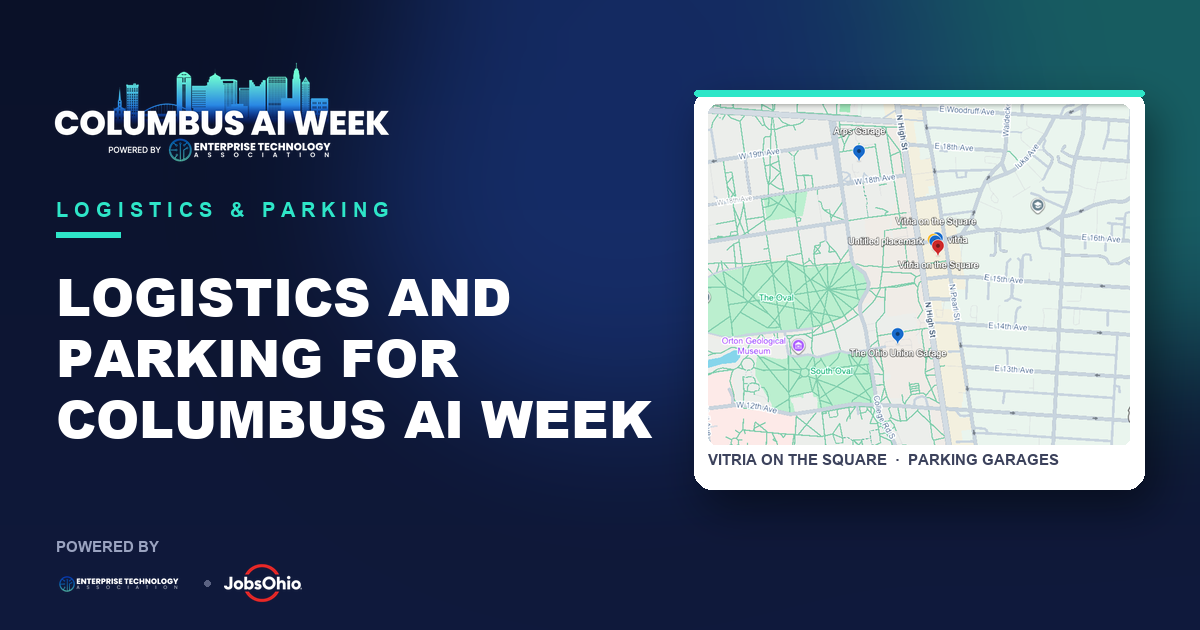
Parking and logistics info for Columbus AI Week.
Tesla is a presenting sponsor of Columbus AI Week 2026, September 10 and 11 at Vitria on the Square. A featured session on the future of AI and automation at Tesla, plus attendee test drives.
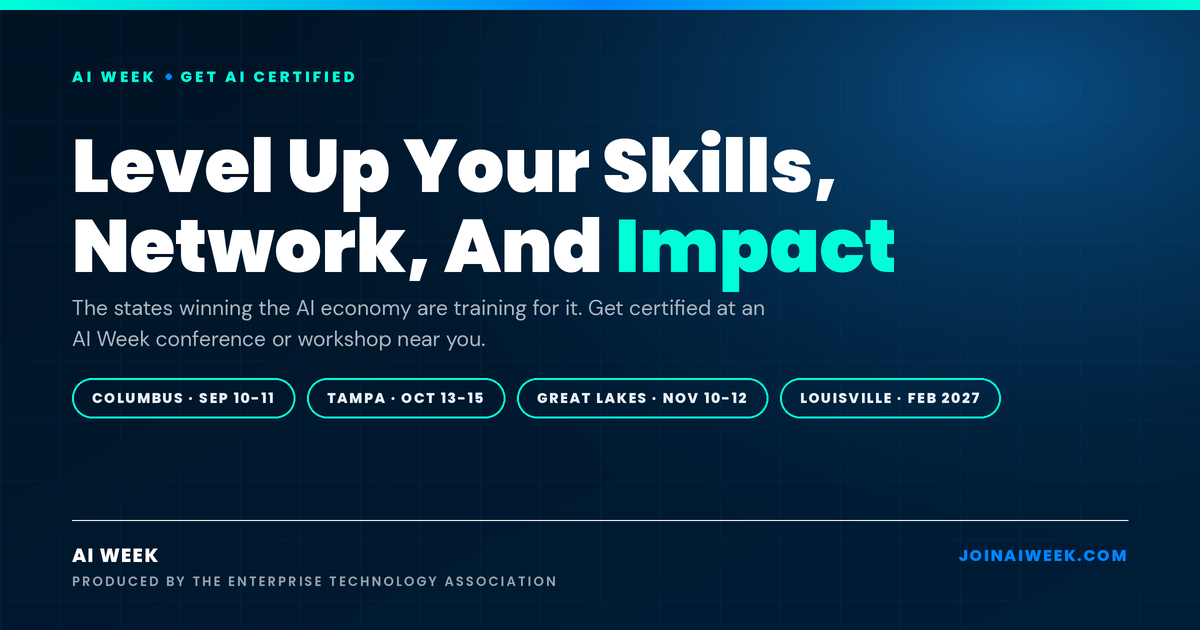
Level up your AI Skills, Network and Impact at AI Week - and leave with the credentials to prove it.